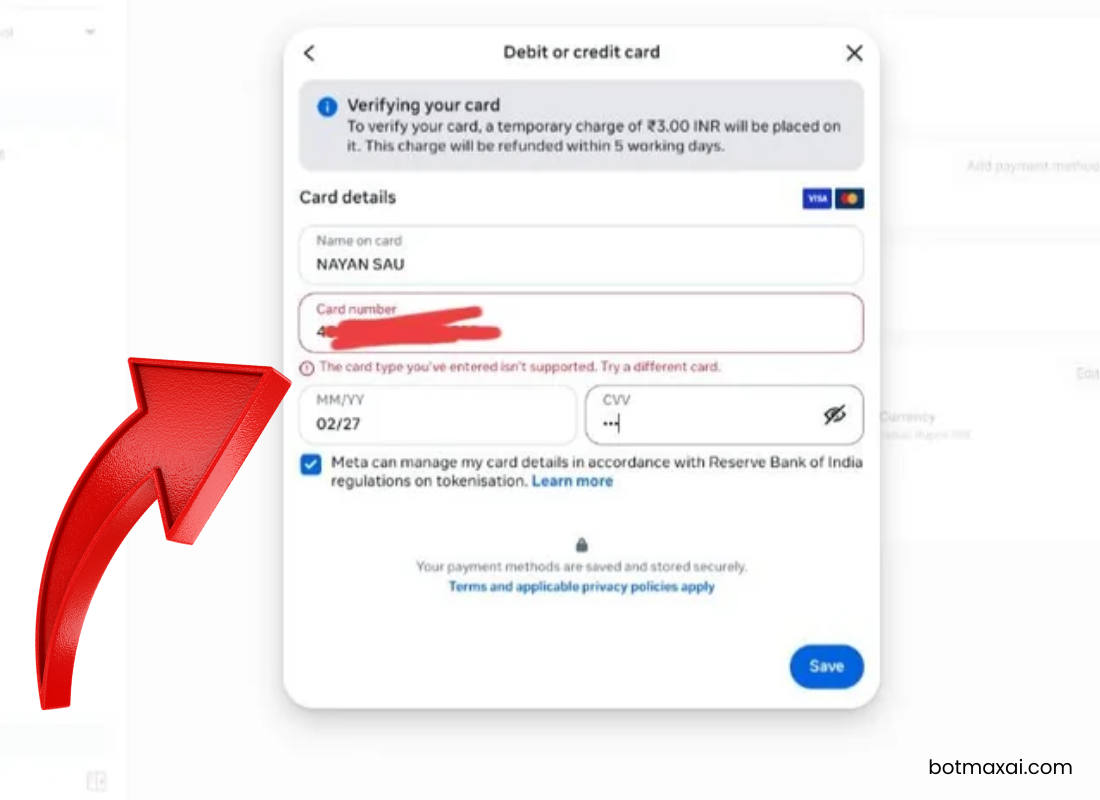
If you’re setting up WhatsApp Business API billing and suddenly see:
“The card type you entered isn’t supported”
Error Code: 141006 – Payment Method Error
…you’re not alone.
This is currently one of the most common WhatsApp API billing issues in India, affecting:
- Businesses using WhatsApp for marketing
- Agencies managing multiple clients
- SaaS platforms integrating WhatsApp automation
- Official Tech Partners onboarding WABA accounts
The frustrating part?
Your debit card may be active, funded, and international-enabled — yet Meta still rejects it.
In this complete guide, we’ll explain:
- Why WhatsApp Business API billing fails in India
- Why Meta rejects debit cards even when they work elsewhere
- Why Tech Partner clients face this more often
- The real permanent solution (tested)
- How to avoid this issue during onboarding
What Is WhatsApp Business API Billing?
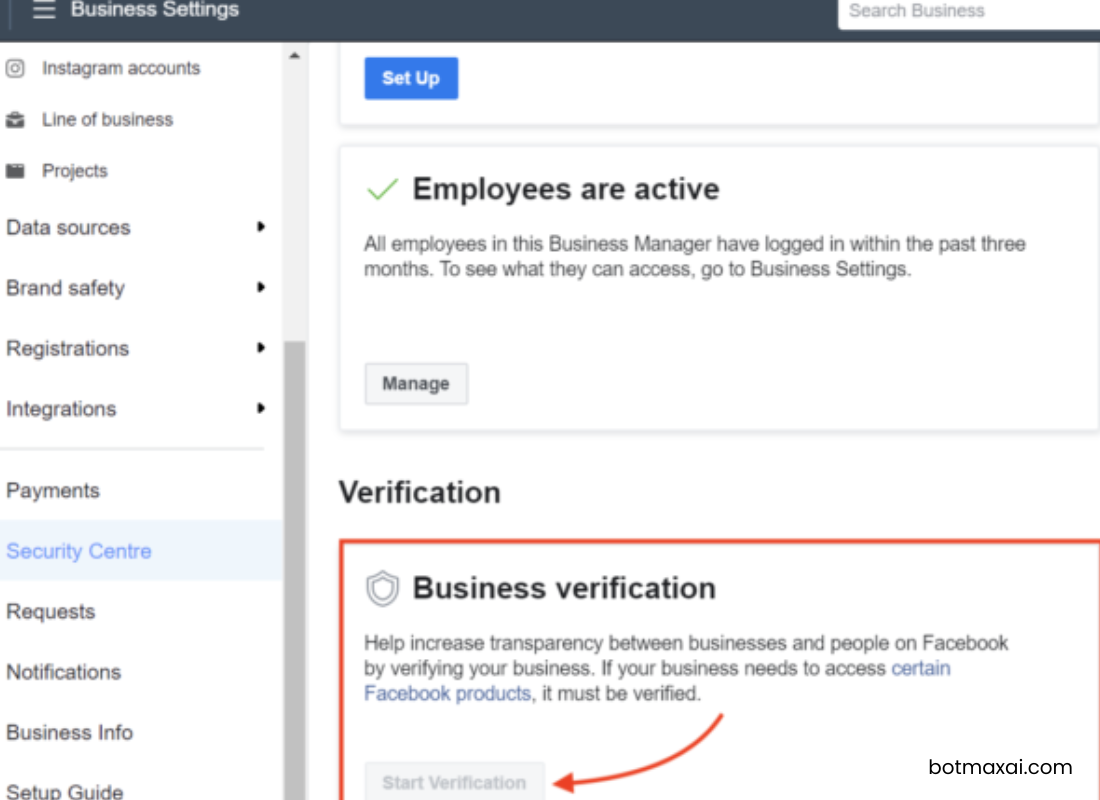
To send messages using the WhatsApp Business API, billing must be active in the Meta Business Manager.
Meta uses a conversation-based pricing model, which means:
- You are charged per business-initiated conversation
- Billing must be active before production messaging starts
- If payment fails → messages stop immediately
- Dashboard status may show Blocked or Payment Required
Without a valid payment method, WhatsApp API works technically — but messages won’t be delivered.
What Does Error Code 141006 Mean?
Error 141006 = Meta rejected your payment method.
This is purely a billing validation issue, not:
- ❌ Policy violation
- ❌ WhatsApp number restriction
- ❌ Template approval problem
When this happens:
- Business-initiated messages are blocked
- API appears connected but messages fail
- WABA health shows Blocked
- Billing section shows payment error
Why Is My Debit Card Being Rejected?
This is where most users get confused.
The issue isn’t just your card — it’s a combination of technical and regulatory reasons specific to India.
1. WhatsApp Billing Uses Recurring Merchant Payments
Meta treats WhatsApp billing as:
Automatic recurring international merchant billing
In India:
- Debit cards often fail recurring authorization
- Banks silently reject such transactions
- Backend approval never reaches Meta
Result:
Meta simply shows “Card type isn’t supported”
Even though your card works for:
- Online shopping
- Subscriptions
- International payments
2. RBI Tokenization Rules (Major Cause in India)
India’s RBI rules require:
Mandatory card tokenization for stored payments
Problem:
- Not all international platforms handle tokenization smoothly
- Many Indian debit cards fail Meta’s tokenization process
- Verification step silently fails
Instead of showing a technical tokenization error, Meta displays the generic message:
“Card type isn’t supported.”
3. ₹3 / $1 Verification Charge Fails
When adding a card, Meta performs:
Small temporary authorization (₹3 or $1)
This checks:
- International payment support
- Merchant authorization
- Recurring billing eligibility
Indian debit cards often block:
- Micro-charges
- International pre-authorizations
- Auto-billing merchant requests
If this verification fails → card rejected instantly
4. Using One Debit Card Across Multiple Clients (Tech Partner Risk)
This is extremely common among agencies and WhatsApp Tech Partners.
Scenario:
- Partner uses the same debit card for multiple client WABA accounts
- Meta fraud system flags pattern as suspicious
Why?
Meta expects:
👉 Each business pays for its own messaging
👉 Billing responsibility lies with the client
Repeated usage of the same card:
- Triggers fraud protection
- Card may be silently blocked
- All future billing attempts fail
This is why agencies suddenly see multiple clients facing the same error.
5. India-Specific Reality: Meta Strongly Prefers Credit Cards
Meta never officially states this, but in practice:
- Debit cards rarely succeed for WhatsApp billing in India
- RuPay cards almost always fail
- Virtual/prepaid cards get blocked
- Credit cards succeed in 90–95% of cases
This is the practical reality experienced by:
- Tech Partners
- SaaS providers
- Marketing agencies
- Enterprise onboarding teams
What Help Does Meta Support Provide?
Many users hope Meta will manually approve their card.
Unfortunately:
- ❌ Meta cannot manually approve debit cards
- ❌ Meta won’t override billing validation
- ❌ Meta won’t unblock WABA without valid payment
Their standard response:
“Please ask the client to add a valid credit card in Business Manager.”
Final Tested Solution (Works in India)
For WhatsApp Business API billing:
✔ Use a Visa or MasterCard CREDIT CARD
✔ Add it inside the CLIENT’S Business Manager
✔ Enable international transactions
When done correctly:
- Billing verifies instantly or within minutes
- WABA gets unblocked automatically
- Messaging resumes within minutes to 24 hours
Card Compatibility Summary
| Card Type | Result |
|---|---|
| Debit Card | ❌ Mostly rejected in India |
| RuPay Card | ❌ Not supported |
| Virtual / Prepaid Card | ❌ Usually blocked |
| Credit Card (Visa/MasterCard) | ✅ Works reliably |
How Tech Partners Should Explain This to Clients
To avoid confusion and support tickets, clearly tell clients during onboarding:
“WhatsApp Business API billing requires a credit card in the client’s Business Manager. Debit cards usually fail in India due to Meta billing rules.”
This:
- Builds transparency
- Prevents onboarding delays
- Makes your agency look professional
- Saves hours of troubleshooting
How To Avoid This Problem in Future – Best Practices for Agencies & Tech Partners
- Inform client during onboarding: Credit card mandatory
- Never attempt debit card billing first
- Always add payment inside client’s Business Manager
- Avoid using one card across multiple businesses
- Activate production messaging only after billing verification
Conclusion
If you’re facing:
“The card type you entered isn’t supported” (Error 141006)
The issue is not your card balance or API setup.
It’s a known limitation caused by:
- Debit card restrictions in India
- RBI tokenization rules
- Meta recurring billing system
One-line solution:
Use a client’s credit card instead of a debit card.
This single change usually:
- Fixes billing instantly
- Unblocks WhatsApp messaging
- Prevents future disruptions
FAQs (SEO Optimized)
Will a debit card ever work for WhatsApp API billing?
Rarely. In India, debit cards almost always fail recurring billing validation.
Can Meta manually unblock my account?
No. The account is unblocked automatically only after valid billing is added.
Can a Tech Partner use their own card?
Not recommended. Meta expects the client’s card. Partner cards often get flagged.
How long does unblocking take after adding billing?
Usually within minutes, but allow up to 24 hours.