Want to send a WhatsApp message without saving the number in your contacts? You’re not alone.
Whether you’re messaging a new client, delivery partner, one-time lead, or a customer inquiry number, saving every number in your phonebook is unnecessary and messy. The good news? WhatsApp allows you to send messages without saving the number – legally and officially.
In this complete step-by-step guide, you’ll learn:
- How to send a message without saving a number
- How to use WhatsApp click-to-chat feature
- How to create a direct WhatsApp link
- How businesses automate this process
- Safety and privacy best practices
Let’s get started.
Why Send WhatsApp Message Without Saving a Number?
There are multiple real-world use cases:
- 📦 Messaging delivery agents
- 💼 Contacting new clients or vendors
- 📊 Lead follow-up from ads
- 🛍 One-time customer support
- 📢 Marketing or business inquiries
Saving every number can clutter your contacts. Instead, you can use WhatsApp’s official Click to Chat feature.
Method 1: Use WhatsApp Click to Chat (Official Method)
WhatsApp provides an official feature called Click to Chat that allows you to start a conversation without saving the number.
Step-by-Step Process
-
Open your browser (Chrome, Safari, etc.)
-
Type the following URL format:
https://wa.me/COUNTRYCODEPHONENUMBER
Example:
If the number is:
+91 9876543210
You will type:
https://wa.me/919876543210
⚠ Important Rules:
-
Remove the “+” sign
-
Remove spaces
-
Remove dashes
-
Include country code
-
Press Enter
-
Click Continue to Chat
-
WhatsApp will open with that number
-
Send your message
That’s it. No need to save the contact.
Method 2: Send Message with Pre-Filled Text
You can also pre-write the message inside the link.
Format:
https://wa.me/NUMBER?text=YOURMESSAGE
Example:
https://wa.me/919876543210?text=Hello%20I%20am%20interested%20in%20your%20services
Note:
-
Spaces must be replaced with
%20 -
Special characters must be URL encoded
This method is perfect for:
-
Business websites
-
Customer support buttons
-
Marketing campaigns
-
Landing pages
Method 3: Use WhatsApp Link Generator Tool (Easiest Way)
If manually creating links feels technical, you can use a WhatsApp link generator tool.
For example, you can generate instant WhatsApp links using:
👉 https://botmaxai.com/p/whatsapp-link-generator
With this tool, you can:
- Enter mobile number
- Add country code
- Add pre-filled message
- Instantly generate working link
- Copy & share anywhere
This saves time and avoids formatting mistakes.
Method 4: Use Third-Party Apps (Not Recommended)
Some apps claim to send WhatsApp messages without saving numbers.
However:
- ⚠ They may access your contacts
- ⚠ They may show ads
- ⚠ They may compromise privacy
- ⚠ Some are not officially supported
Best practice: Always use WhatsApp’s official Click-to-Chat method.
Method 5: Use WhatsApp Business API (For Businesses)
If you are running a business and sending bulk or automated messages, you can use:
-
WhatsApp Business App
-
WhatsApp Business API
With the API, you can:
-
Send messages programmatically
-
Automate customer responses
-
Send order updates
-
Send OTP messages
-
Manage campaigns
⚠ Important:
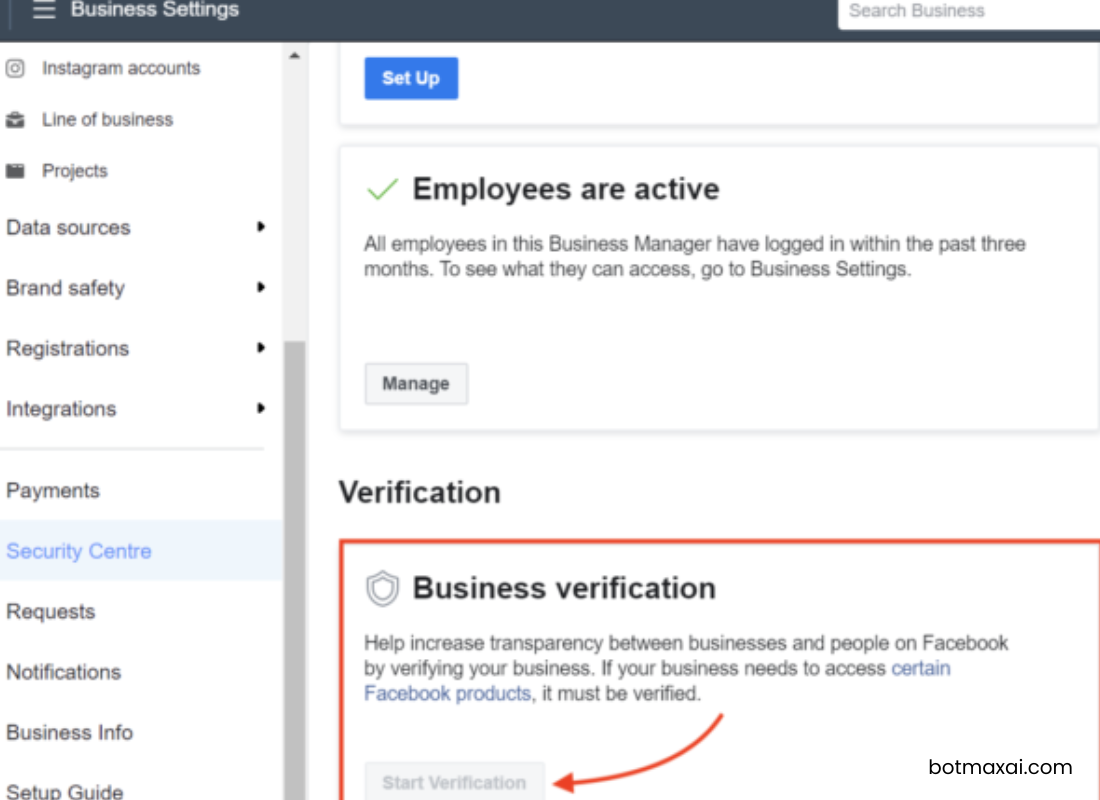
Bulk marketing messages require proper business verification and compliance with Meta policies.
Can You Send Message Without Saving Number in WhatsApp App Directly?
Currently, the standard WhatsApp mobile app does not allow direct messaging without saving the number inside the app interface.
However, using the wa.me method works on:
-
Android
-
iPhone
-
Desktop
-
WhatsApp Web
Is It Safe to Send WhatsApp Message Without Saving Number?
Yes – if you use the official method.
Safety Tips:
-
Always verify the number
-
Avoid sending spam messages
-
Do not click suspicious wa.me links
-
Use verified contact lists for business
Common Mistakes to Avoid
❌ Forgetting country code
❌ Adding “+” symbol
❌ Adding spaces
❌ Using wrong URL format
❌ Sending promotional messages without consent
Frequently Asked Questions (FAQs)
1. Can I send WhatsApp message without saving number on iPhone?
Yes. Use the https://wa.me/NUMBER method in Safari.
2. Can I send message without saving number on Android?
Yes. Use Chrome and the same method.
3. Does the other person know I didn’t save their number?
No. They cannot see whether you saved their number or not.
4. Can I use this for bulk marketing?
For bulk campaigns, use WhatsApp Business API with proper approval.
Final Thoughts
Sending a WhatsApp message without saving the number is simple, fast, and officially supported.
The best method is:
✅ Use wa.me link
✅ Or use a WhatsApp link generator
✅ Avoid unofficial apps
If you frequently send messages to new leads, clients, or customers, generating a direct WhatsApp link is the most professional solution.