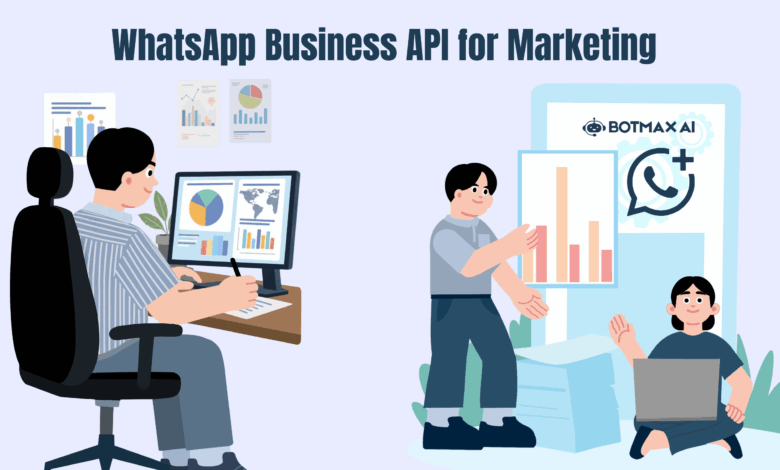
In today’s fast-moving digital world, customers expect brands to communicate with them instantly, personally, and on platforms they already use daily. That’s exactly where the WhatsApp Business API comes in.
With over 2 billion users globally, WhatsApp has transformed from a simple messaging app into a powerful marketing and customer engagement tool. If you’re looking to build stronger relationships, increase conversions, and automate communication at scale-this guide will walk you through everything you need to know.
What is WhatsApp Business API?
The WhatsApp Business API is a solution designed for medium and large businesses to communicate with customers at scale. Unlike the standard WhatsApp Business App, the API allows integration with CRM systems, automation tools, and marketing platforms.
In simple terms:
- It enables bulk messaging (with consent)
- Supports automation via chatbots
- Allows multi-agent support
- Integrates with marketing tools and analytics
Why WhatsApp is a Game-Changer for Marketing
Let’s be honest-email open rates are declining, and SMS feels outdated. WhatsApp, on the other hand, offers:
🔥 High Engagement Rates
- Open rates: 90%+
- Response rates: Significantly higher than email
💬 Real-Time Communication
Customers can interact instantly, making conversations feel natural and human.
🎯 Personalized Messaging
You can send tailored messages based on user behavior, preferences, and past interactions.
📱 Mobile-First Experience
Perfect for today’s smartphone-driven audience.
Key Features of WhatsApp Business API for Marketing
1. Broadcast Messaging (with Opt-In)
Send promotional messages, updates, and offers to multiple users-but only those who have opted in.
Use cases:
- Product launches
- Flash sales
- Event reminders
2. Automated Chatbots
You can automate responses using AI-powered chatbots.
Benefits:
- 24/7 availability
- Instant replies
- Reduced customer support workload
3. Rich Media Messaging
WhatsApp supports:
- Images
- Videos
- PDFs
- Buttons (Call-to-Action)
This makes your campaigns more interactive and engaging.
4. Two-Way Communication
Unlike traditional marketing channels, WhatsApp allows real conversations.
Customers can:
- Ask questions
- Request support
- Give feedback
5. CRM & Tool Integration
The API can be integrated with tools like:
- HubSpot
- Salesforce
- Zoho CRM
This enables better tracking, segmentation, and campaign management.
How WhatsApp Business API Works
To use the API, businesses must go through an official setup process:
Step 1: Apply via a Business Solution Provider (BSP)
To access the WhatsApp Business API, businesses must go through an official Business Solution Provider (BSP). Meta does not provide direct API access, so working with the right partner is crucial for a smooth setup and long-term success.
A good BSP doesn’t just help you get approved-it also simplifies integration, automation, and campaign management.
One platform worth considering is BotMax AI. It offers a user-friendly interface along with powerful automation capabilities, making it easier for businesses to launch WhatsApp marketing without heavy technical effort.
With the right BSP, you can:
- Get faster API approval
- Easily set up messaging templates
- Build chatbot workflows without coding
- Integrate with your CRM and marketing tools
Choosing a reliable provider at this stage can save you time, reduce complexity, and set a strong foundation for your WhatsApp marketing strategy.
Step 2: Get Verified by Meta
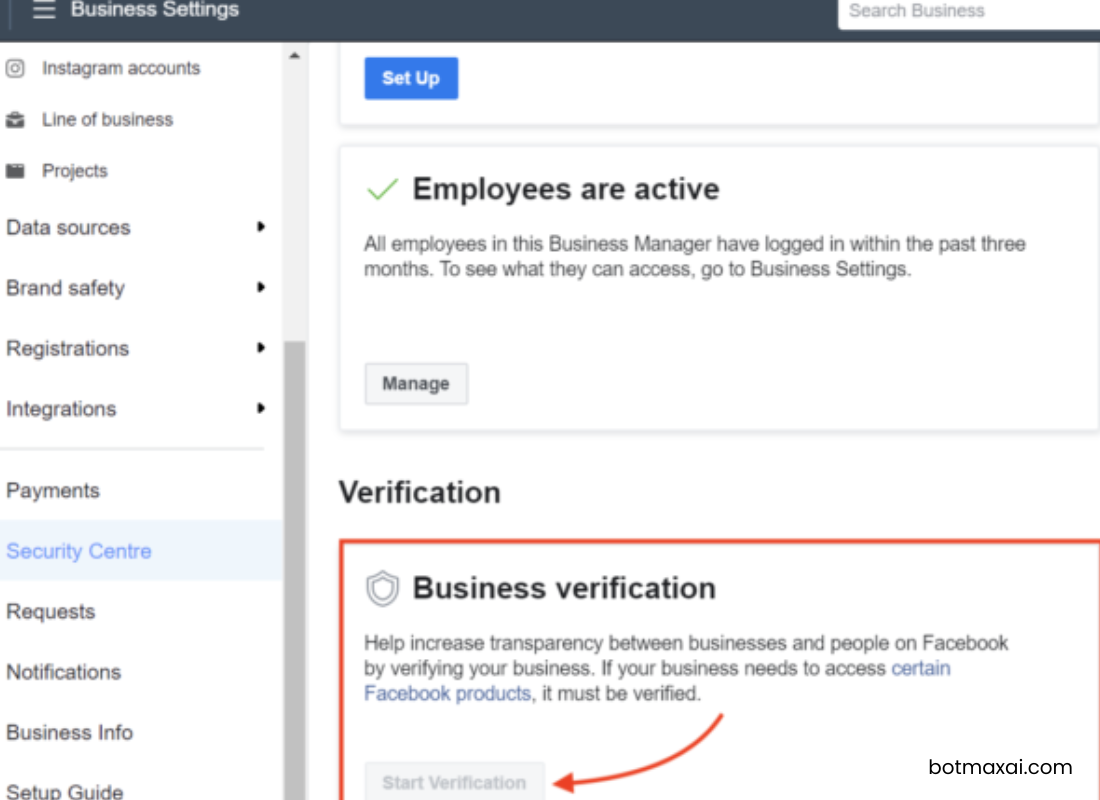
Once you’ve chosen a Business Solution Provider, the next step is getting your business officially verified by Meta.
This is a crucial step because verification builds trust and unlocks higher messaging limits.
What verification involves:
- Submitting your business details (legal name, address, website)
- Verifying your Facebook Business Manager account
- Confirming your phone number ownership
- Completing display name approval (the name users will see)
Why this matters:
- Increases your messaging credibility
- Enables higher messaging tiers (send to more users)
- Helps avoid restrictions or bans
💡 Pro tip: Make sure your website, domain email, and business information are consistent-Meta cross-checks everything.
Step 3: Set Up Messaging Templates
Unlike regular chat apps, WhatsApp requires pre-approved message templates for outbound communication (especially marketing messages).
These templates ensure quality and prevent spam.
Types of templates you can create:
- Marketing – Promotions, offers, announcements
- Utility – Order updates, reminders, invoices
- Authentication – OTPs and verification messages
What a good template includes:
- Clear and concise messaging
- Personalization variables (e.g., customer name)
- Optional CTA buttons (Visit Website, Call Now, Reply)
Example:
“Hi {{1}}, your order #{{2}} has been shipped! Track here: {{3}}”
Approval process:
- Submit templates via your BSP dashboard
- Meta reviews for policy compliance
- Approval usually takes a few minutes to a few hours
💡 Best practice: Avoid overly promotional or spammy language-templates can get rejected or flagged.
Step 4: Integrate with Your System
After setup, the real power of WhatsApp Business API comes from integrating it with your existing tools.
This step transforms WhatsApp from a messaging app into a full-fledged marketing and customer engagement engine.
Common integrations include:
- CRM platforms (HubSpot, Salesforce, Zoho)
- E-commerce platforms (Shopify, WooCommerce)
- Marketing automation tools
- Customer support systems
What integration enables:
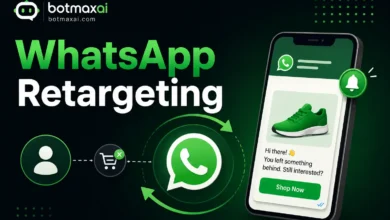
- Automated workflows (e.g., abandoned cart reminders)
- Customer segmentation and targeting
- Real-time data syncing
- Multi-agent customer support dashboards
Example use case:
A customer abandons their cart → your system triggers a WhatsApp message → chatbot engages → user completes purchase.
💡 Pro tip: Many BSPs (like BotMax AI) offer no-code or low-code integrations, so you don’t need a full tech team to get started.
By properly setting up verification, templates, and integrations, you create a strong foundation that allows your WhatsApp marketing to scale efficiently-and more importantly, effectively.
WhatsApp Marketing Strategies That Actually Work
Here’s how to use WhatsApp effectively-not spammy, but smart.
1. Build an Opt-In List
Never message users without consent.
Ways to collect opt-ins:
- Website forms
- Checkout pages
- QR codes
- Social media campaigns
2. Use Conversational Campaigns
Instead of blasting messages, create a dialogue.
Example:
“Hi! Looking for the best deals today? Reply YES to explore.”
3. Segment Your Audience
Send relevant messages based on:
- Purchase history
- Location
- Interests
4. Leverage Automation + Human Touch
Use chatbots for:
- FAQs
- Lead qualification
Switch to human agents for:
- Complex queries
- High-value customers
5. Time Your Messages Smartly
Avoid sending messages at odd hours. Respect user experience.
WhatsApp Business API Pricing
Pricing depends on:
- Conversation type (marketing, utility, authentication)
- Country
- Business Solution Provider fees
Typically, businesses are charged per 24-hour conversation window.
Benefits of Using WhatsApp API for Marketing
- ✅ Higher conversion rates
- ✅ Better customer engagement
- ✅ Scalable communication
- ✅ Improved customer experience
- ✅ Strong brand trust
Challenges to Be Aware Of
No tool is perfect. Here are a few limitations:
- ❌ Requires user opt-in
- ❌ Template approval needed
- ❌ Setup can be technical
- ❌ Costs may add up with scale
Best Practices for WhatsApp Marketing
To get the most out of the API:
- ✔ Always get clear user consent
- ✔ Keep messages short and valuable
- ✔ Avoid spammy behavior
- ✔ Use personalization
- ✔ Track and optimize campaigns
Is WhatsApp Business API Right for You?
It’s ideal if you:
- Handle high customer volume
- Want to automate communication
- Need personalized marketing at scale
- Value real-time engagement
It may not be necessary for:
- Very small businesses (the app may be enough)
Final Thoughts
The WhatsApp Business API is not just another marketing tool-it’s a powerful communication channel that blends automation with human interaction.
If used correctly, it can:
- Transform customer relationships
- Boost engagement
- Drive real business growth
The key is simple: don’t treat it like a broadcasting tool-treat it like a conversation.
FAQs
Is WhatsApp Business API free?
No, it uses a conversation-based pricing model.
Can I send bulk messages?
Yes, but only to users who have opted in.
Do I need coding knowledge?
Not necessarily-many BSPs provide no-code solutions.
If you’re planning to adopt WhatsApp marketing, start small, focus on user experience, and scale gradually. That’s how you win in conversational marketing 🚀